
Settings
Open Edit > Preferences > Add-ons, find HotkeyPilot and click the arrow beside it. The settings are kept in Blender’s preferences, not in your .blend files.
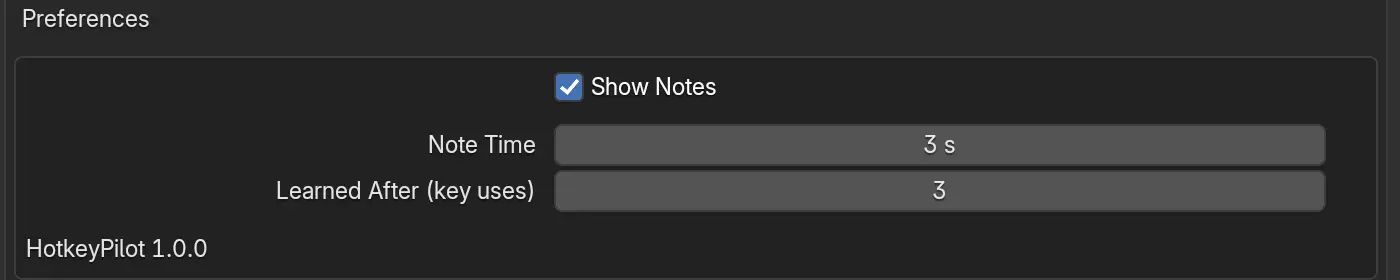
Show Notes
Section titled “Show Notes”Shows a note with the key in the corner of the 3D Viewport after you run a command from a menu or F3 search. On by default. Untick it when you record a tutorial or want a quiet screen; HotkeyPilot keeps counting. The panel has the same checkbox.
Note Time
Section titled “Note Time”How long a note stays, from 1 to 15 seconds. The default is 3 seconds. With the mouse on the note it stays until you move away, so a longer time only helps if you look up late.
Learned After
Section titled “Learned After”How many times you use a command’s key before its note stops. The default is 3. A command with no key gets its no-key note this many times too. Set it to 0 and notes never stop by themselves.